EMMGR.DEV
Plasma
Plasma icon

Plasma

For Mac · live wallpaper

Plasma puts an animated 3D plasma ball on your Mac desktop, behind your windows, on every display. The filaments follow the pointer. Gas, size, base and voltage are set from the menu bar.

FreeComing to the Mac App Store
System
macOS 27 or later
Gases
33
Voltage
1.5 to 5 kV
Displays
One globe per display
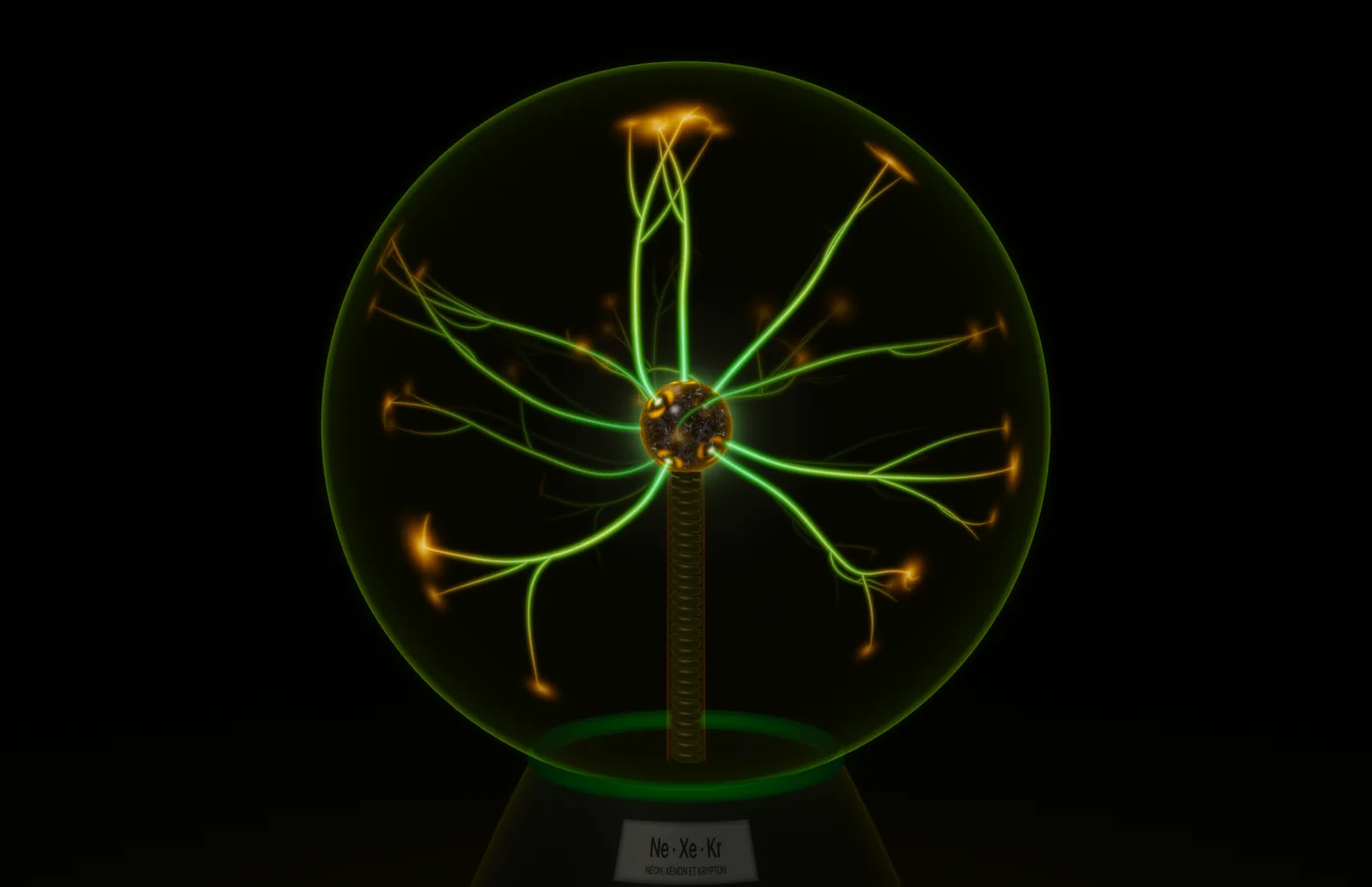
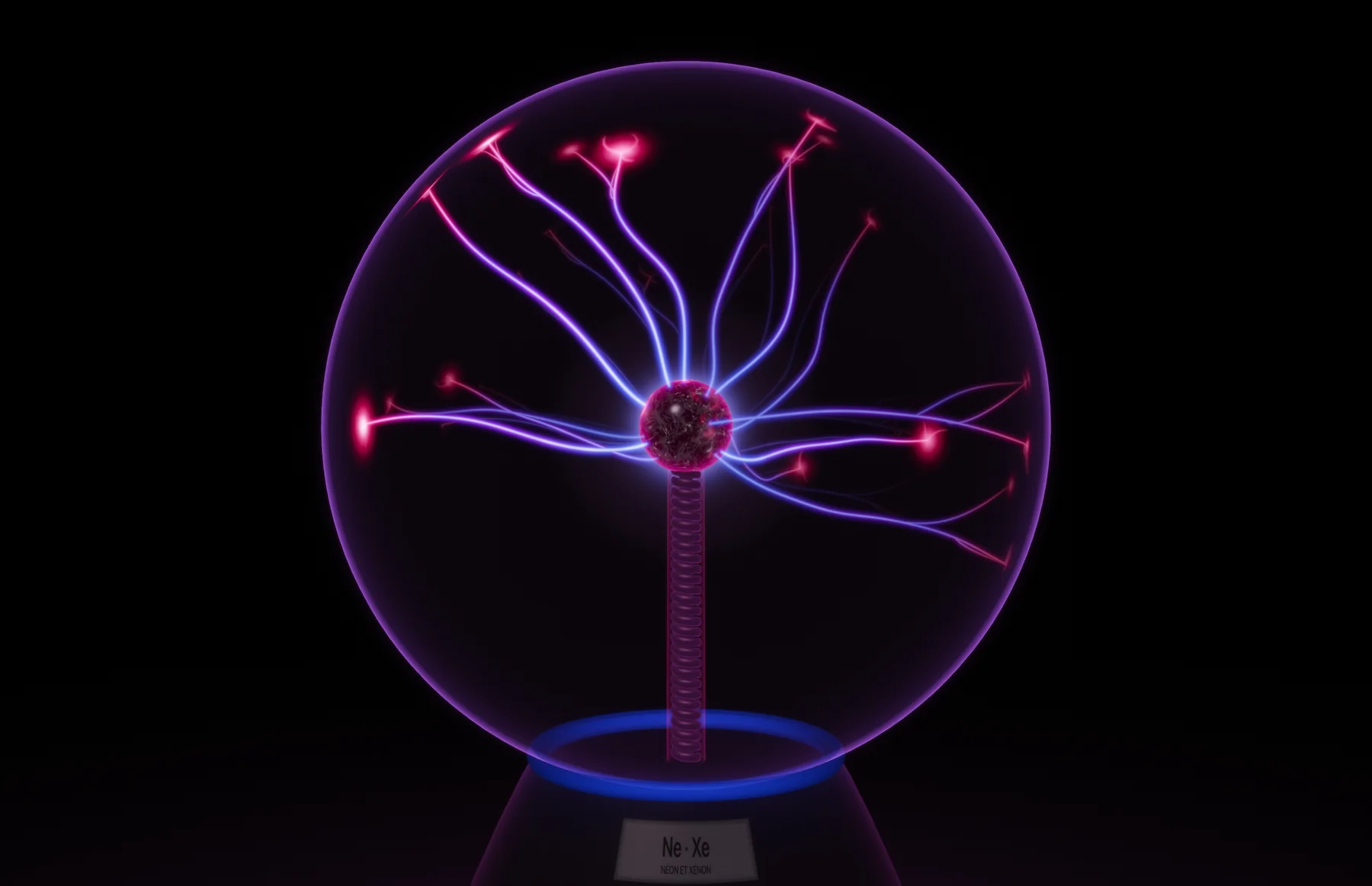
Plasma ball, neon and xenon mix, purple filaments with red tips
Neon and xenon, base light in blue.
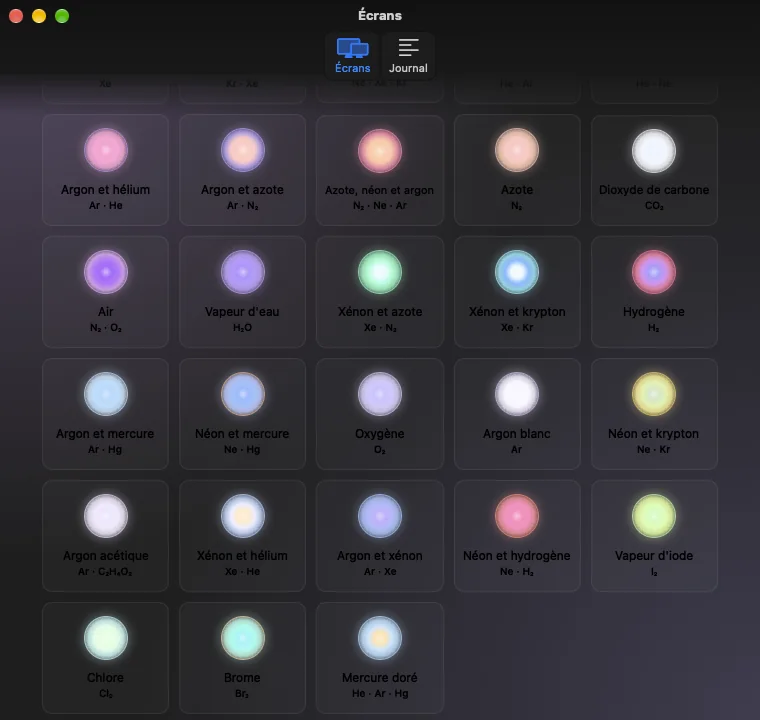
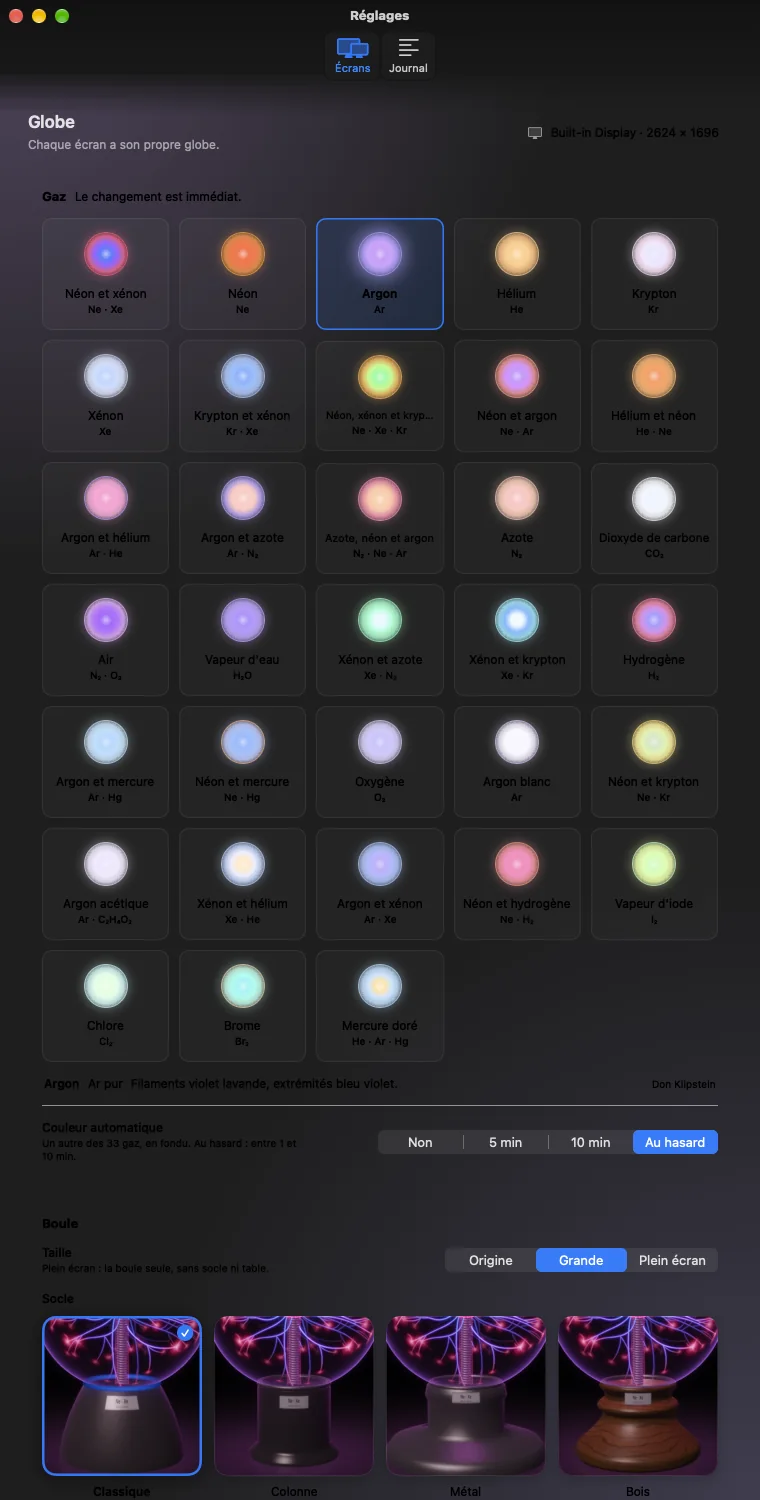
33 gases

Every gas has its color

From neon and xenon to chlorine, bromine and mercury, with their chemical symbol engraved on the base plate. Plasma can also switch gas on its own, with a fade.

  • Auto color: off, every 5 or 10 minutes, or random between 1 and 10 minutes
  • Set per display
Settings: the gas grid
Green gas with orange tips
The pointer

The filaments reach for the mouse

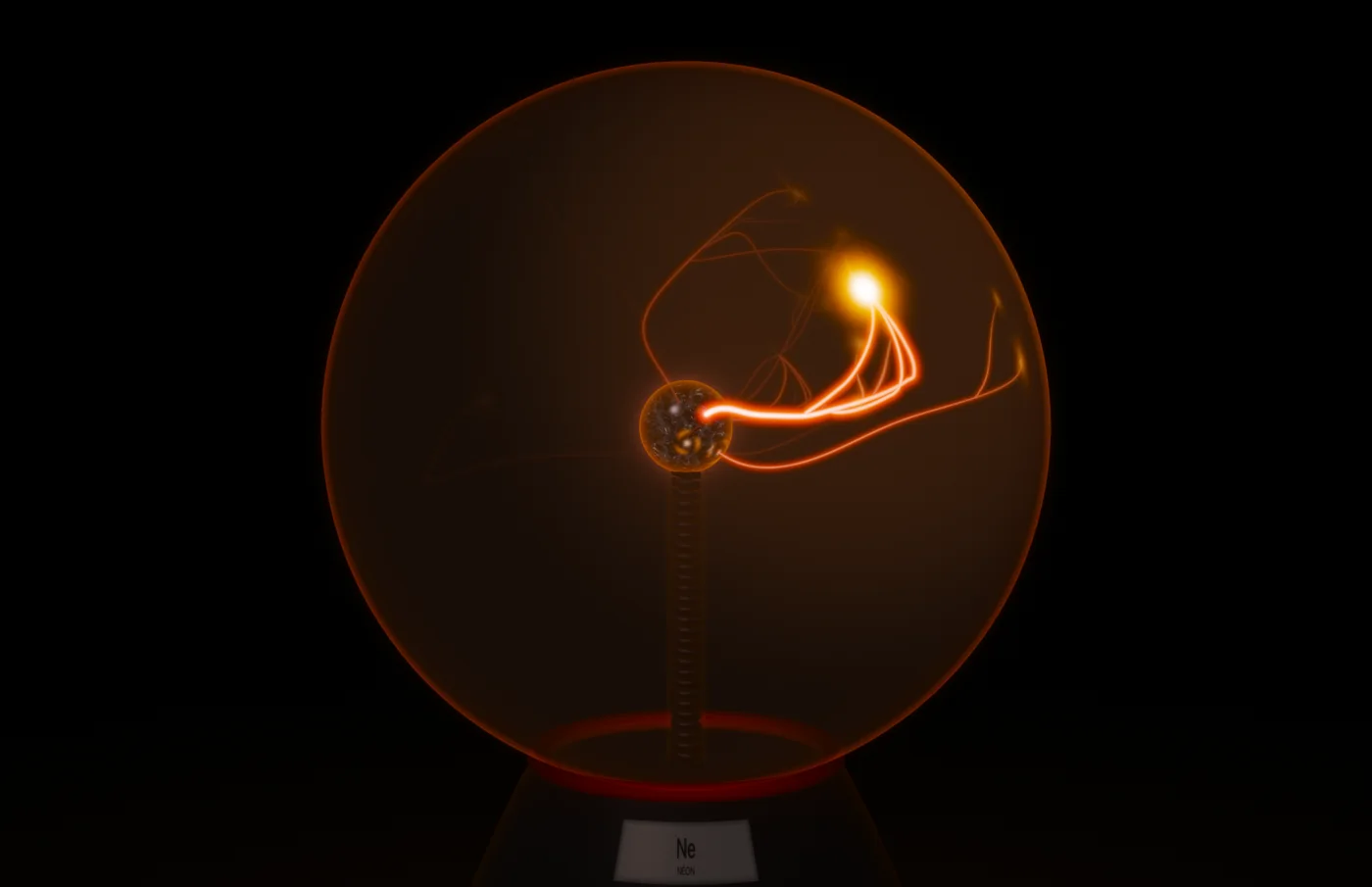
Like a real plasma ball under your hand, a channel forms toward the pointer. With “Touch the globe with the trackpad”, on by default, Plasma reads Force Touch pressure: the harder you press, the bigger the bolt. While it is on, desktop icons under the globe cannot be clicked. The mouse reaction can be turned off from the menu bar.

Orange neon: a channel drawn to the pointer
Voltage, size, base

Every part can be adjusted

  • Voltage from 1.5 to 5 kV: it changes the number of filaments
  • Size: Original, Large or Full screen
  • Base: Classic, Column, Metal or Wood
  • Base light from 0 to 100 %
  • Base neon: the gas color, 8 swatches or any color, brightness up to 200 %
  • Metal wool in a glass bulb at the center, 3D relief, glass, lightning speed from 50 to 150 %
  • Optional dark menu bar: a plain black desktop picture under the globe, the original one comes back when you turn it off
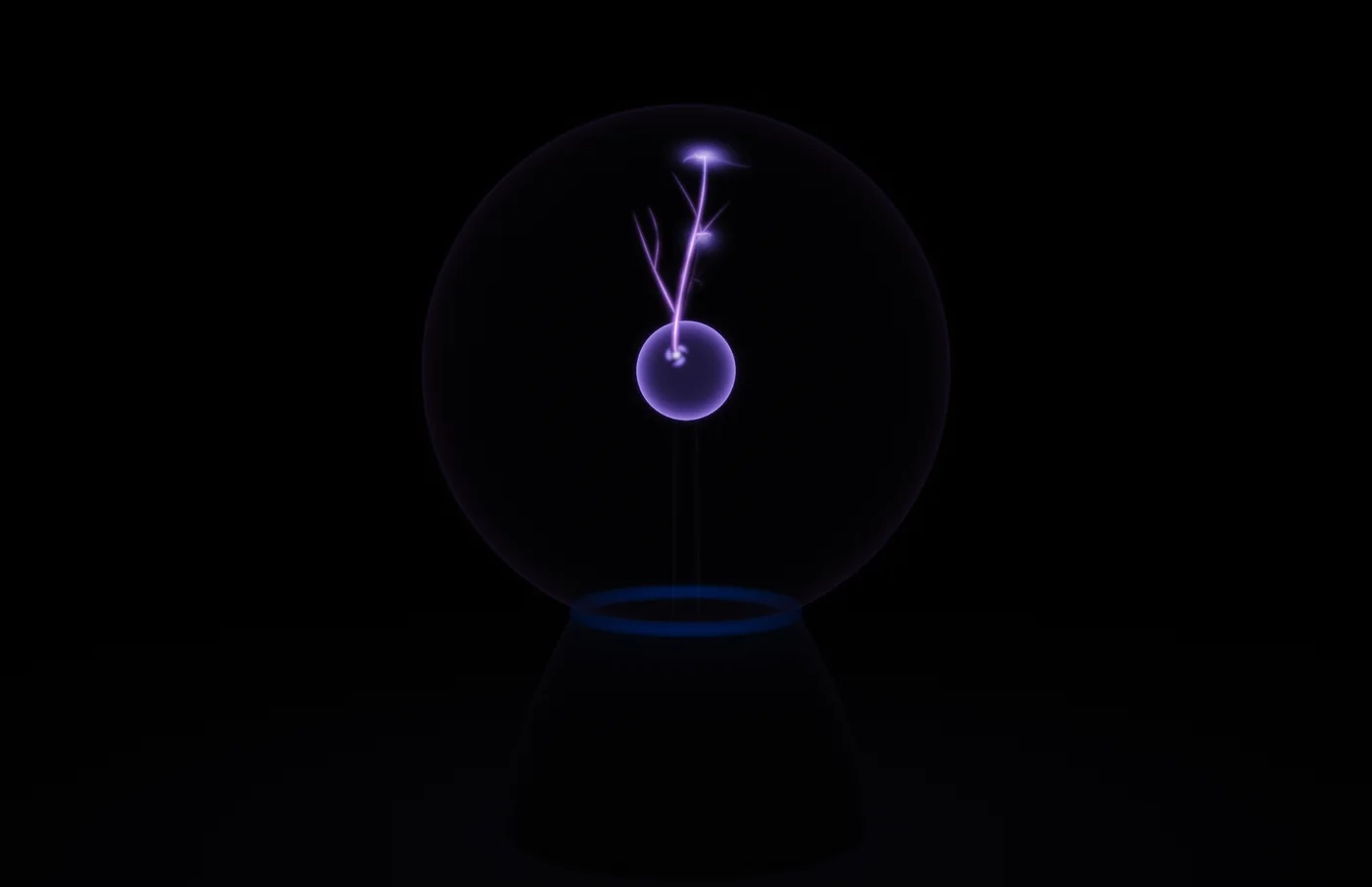
A single filament at 2 kV
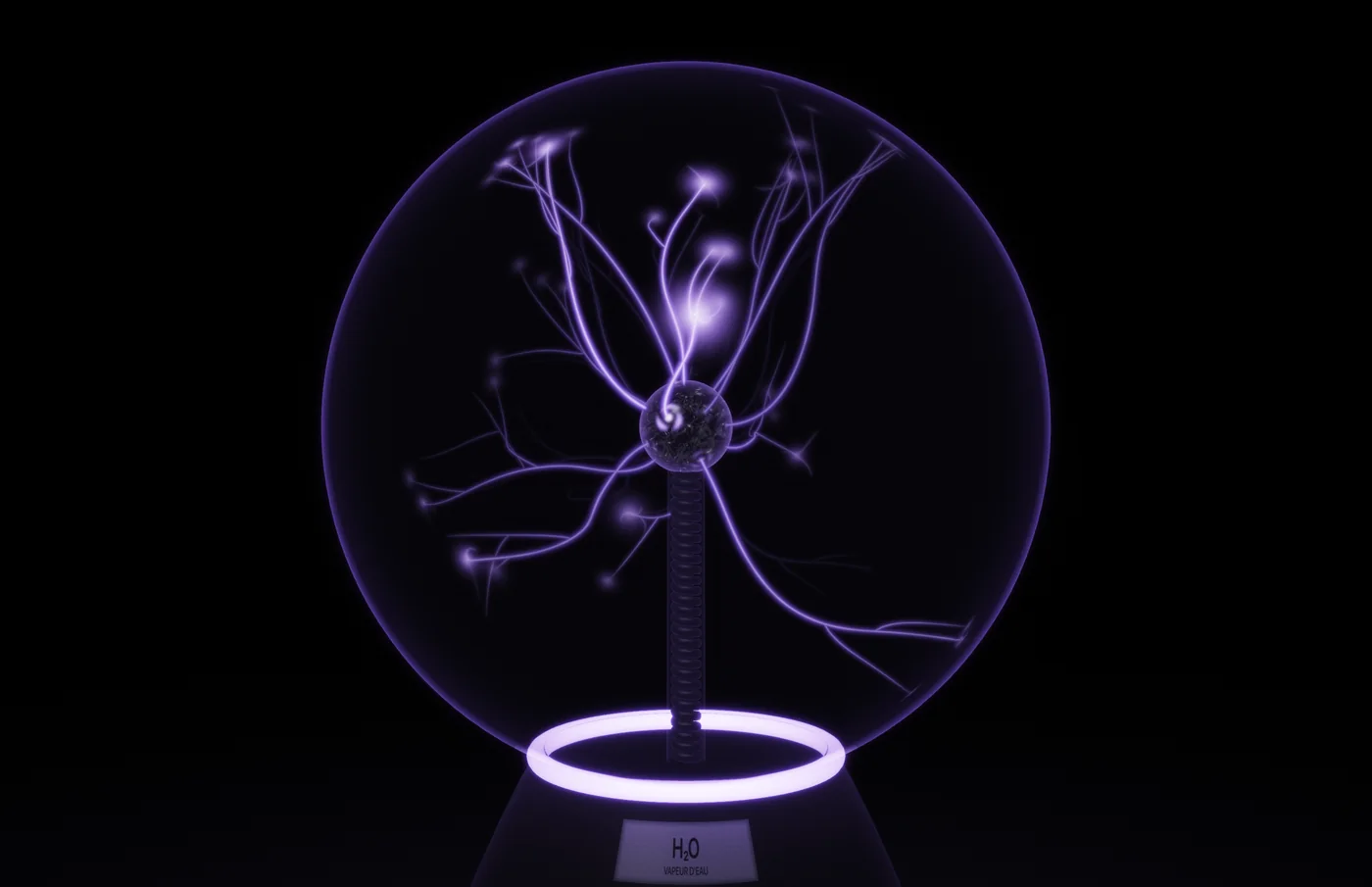
Base light on, in lavender
Light on resources

It stops when you cannot see it

In Auto mode, Plasma runs at 30 frames per second at rest, 60 when the mouse moves, and goes back to 30 three seconds later. You can also fix it at 60 or 30. When windows fully cover the globe, it stops, then resumes within a quarter of a second.

  • On battery: 30 frames per second at most
  • Stops in Low Power Mode, with the display asleep or the session locked
  • Optional saver mode at 20 frames per second when the desktop is mostly covered
  • Measured on a MacBook Pro at 30 frames per second: about 16 % of one core for the web renderer, plus the graphics card; 1 % when stopped
Plasma settings window

Privacy

Plasma makes no network connection and collects nothing. It reads window positions to stop when the globe is covered, never their titles or content. Sandboxed app.

Requirements

  • macOS 27 or later
  • One globe on every connected display
  • Menu bar app, no Dock icon

Availability

Version 1.0 is being prepared for the Mac App Store.

Original scene: Deskworlds by Chase Lean, MIT license. Rendered with three.js.

Other apps