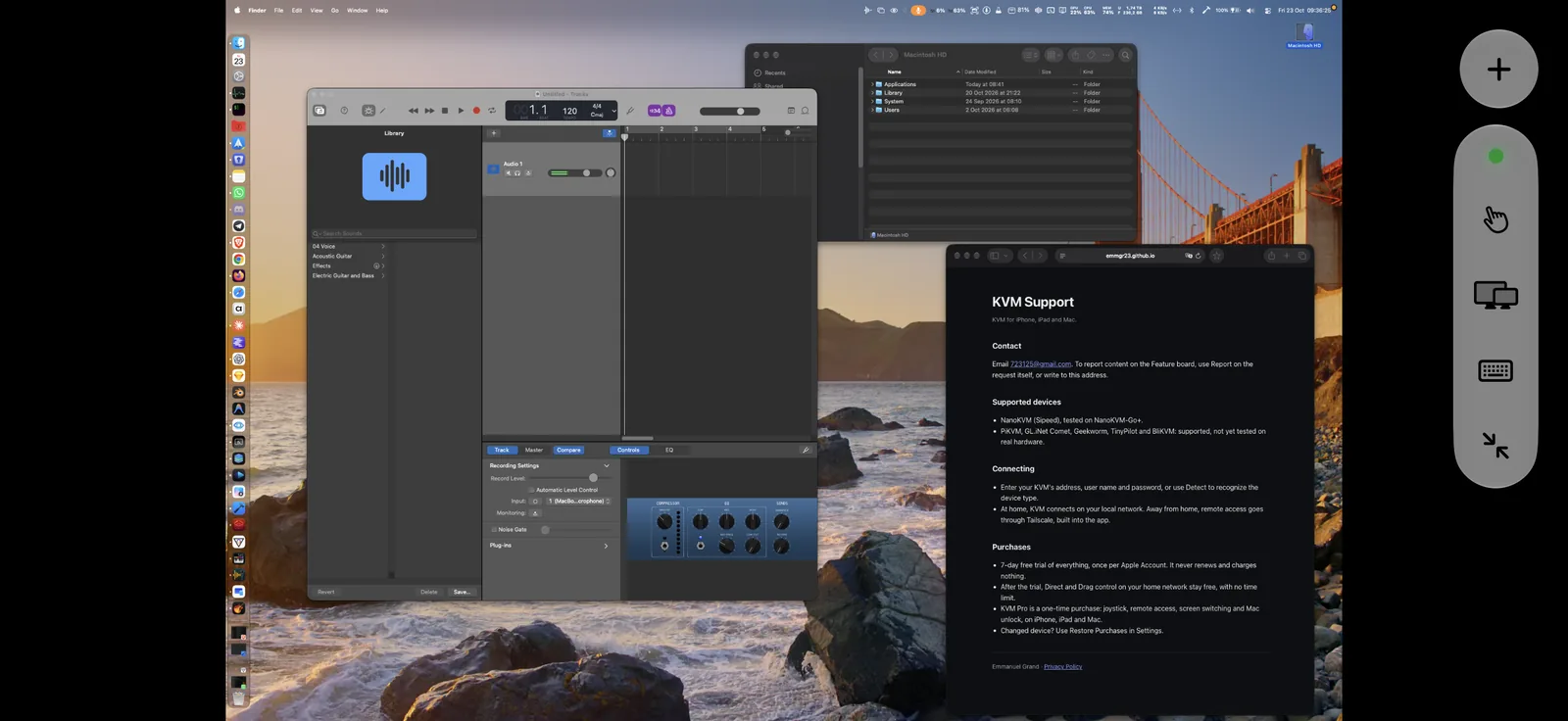
The picture
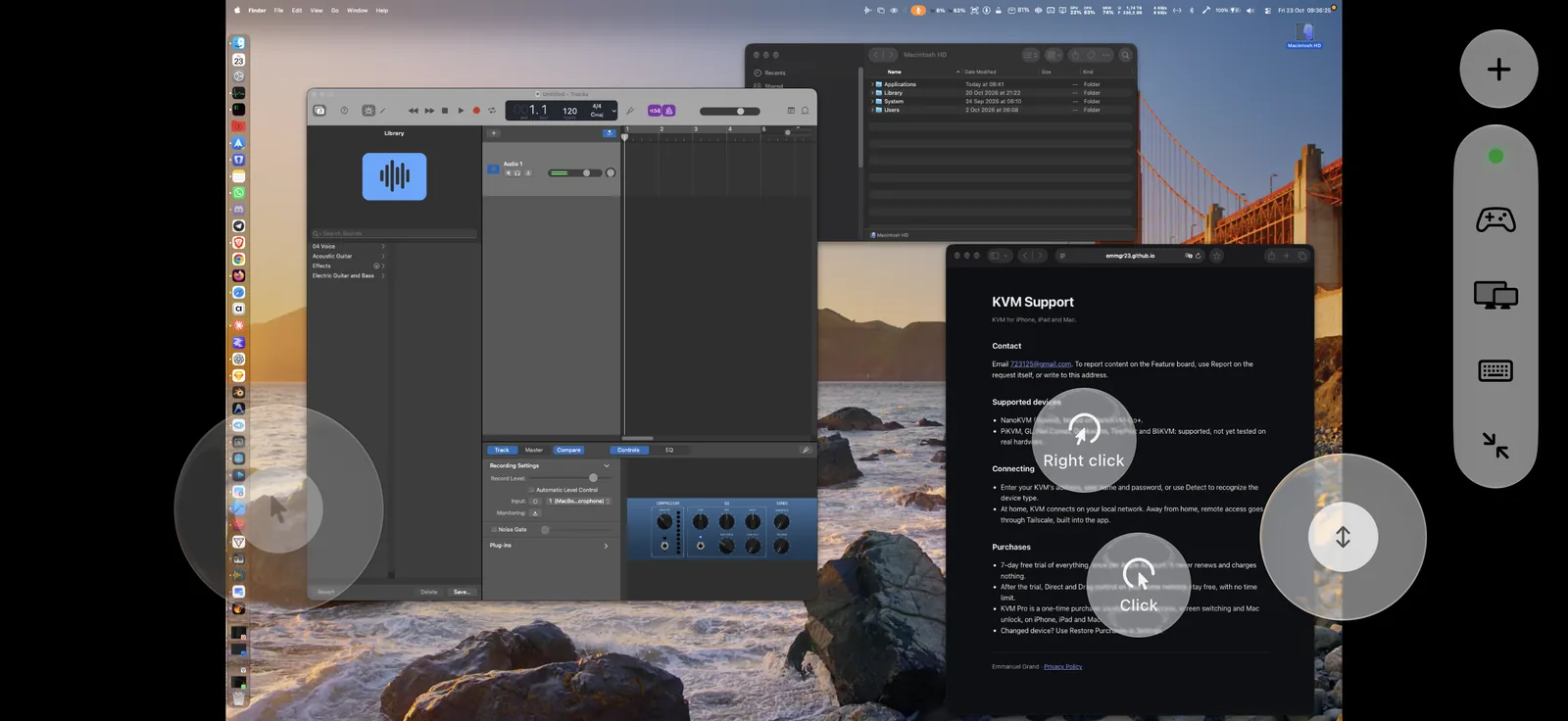
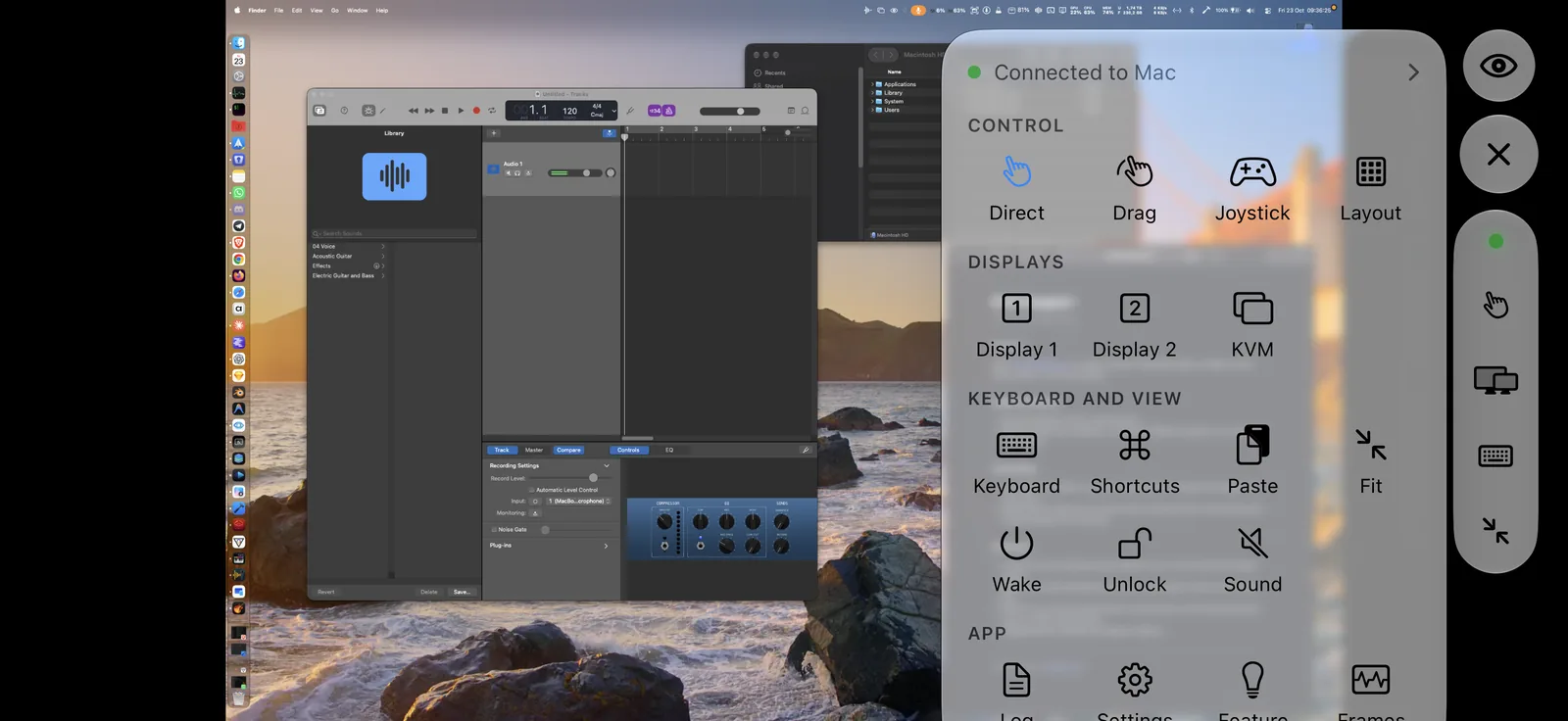
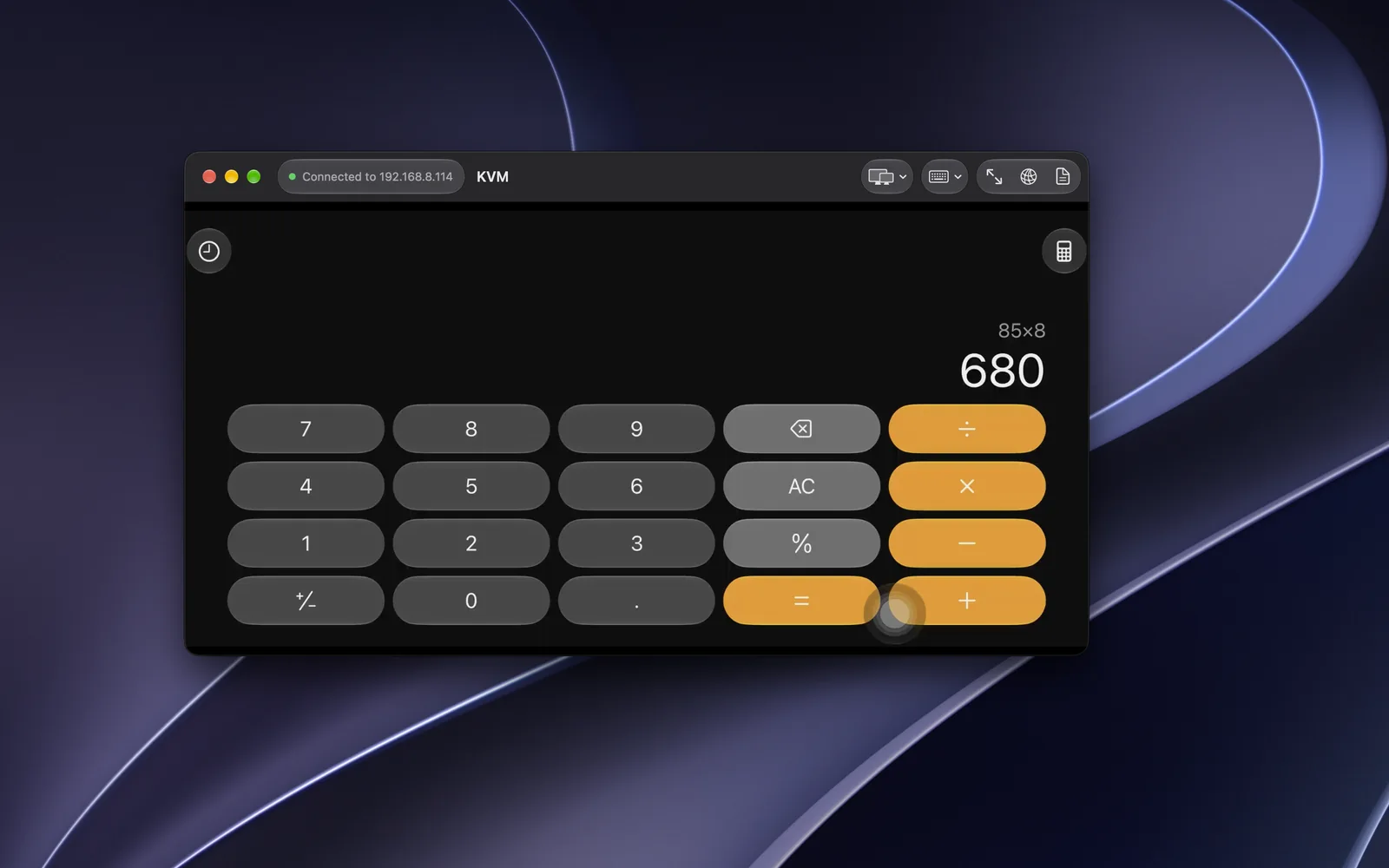
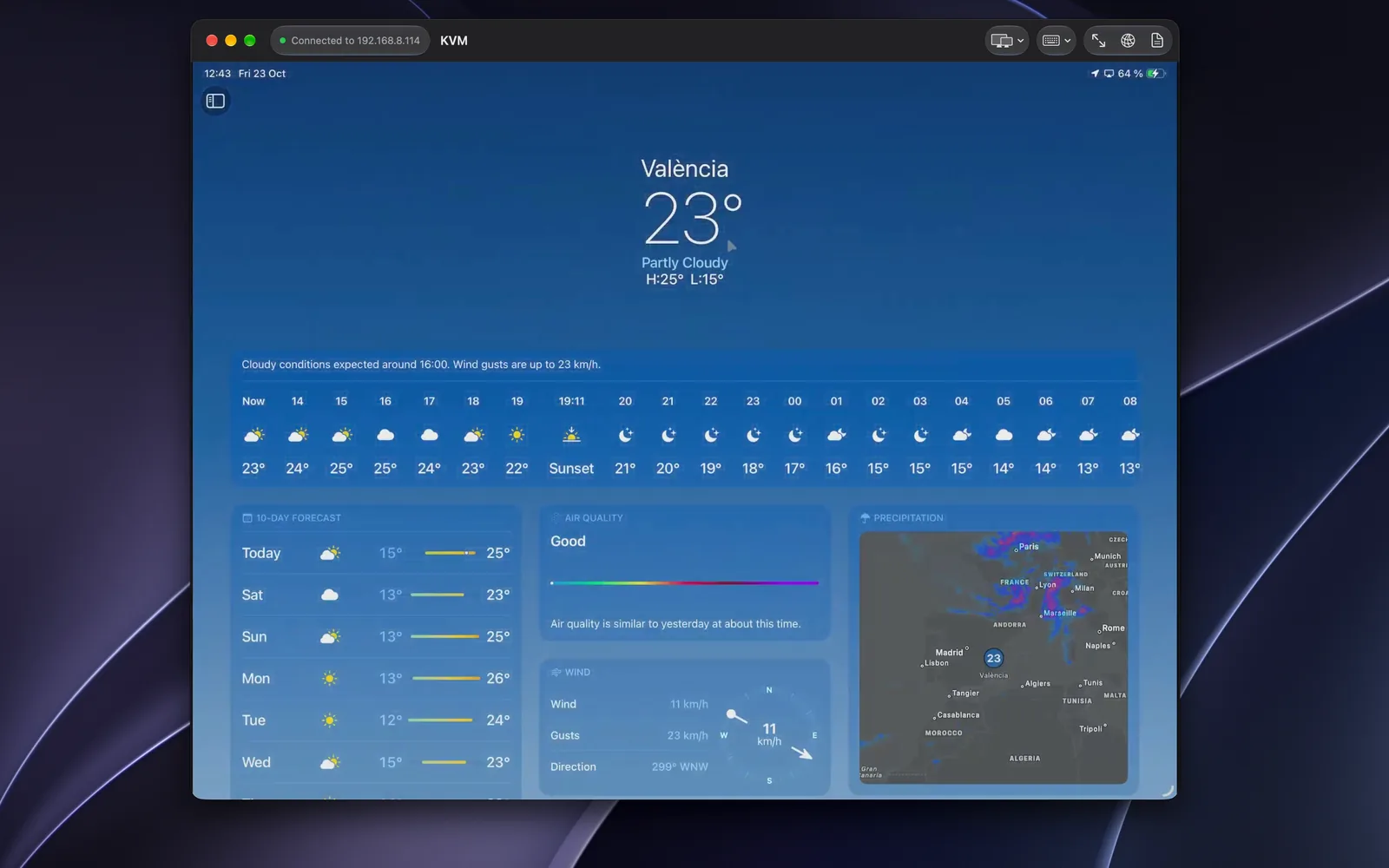
The whole screen of the computer, live
KVM opens the device’s H.264 stream directly, the lowest latency it offers, and shows each frame as soon as it arrives, with no queue. If no image comes within 4 seconds, it falls back to MJPEG. Measured on a NanoKVM-Go+: a 4K picture on screen 0.3 s after connecting, at 30 frames per second.
Because the device captures the video output, you see everything the computer shows, from the login screen to a frozen app or the startup screen.
- Pinch to zoom from 1× to 8×, the zoomed view follows the cursor near the edges
- A waiting screen while the first image arrives
- A log with Live and Today views for every connection